
Businesses across Austin, Georgetown, Dallas, and Houston, Texas rely on networks every day, yet many people are unfamiliar with one of the most important devices inside that network — the network switch.
Understanding what a switch does can help businesses better manage their technology and avoid performance issues.
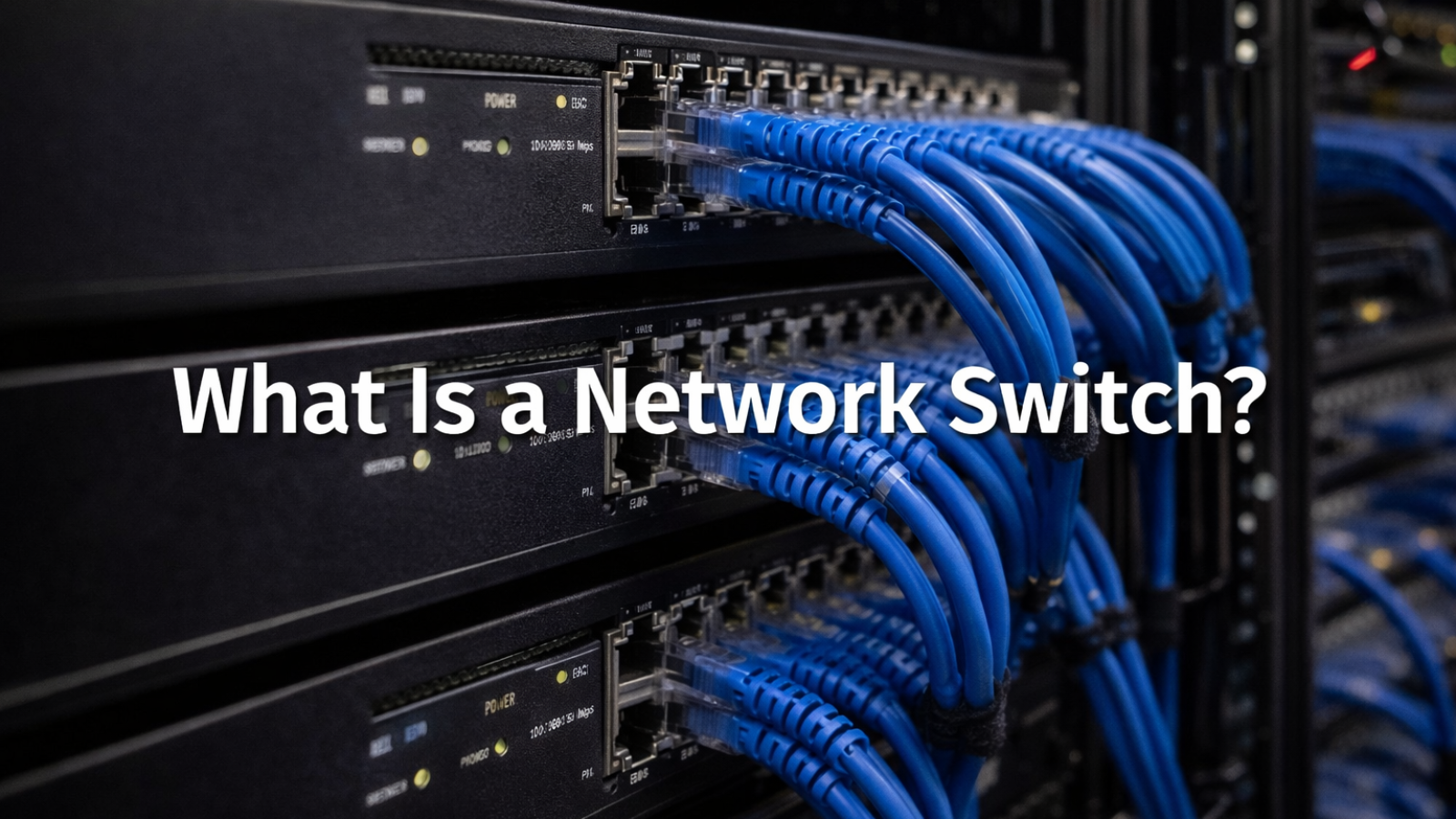
What Is a Network Switch?
A network switch is a device that connects multiple devices within a network and allows them to communicate with each other.
These devices include:
• computers
• servers
• printers
• security cameras
• Wi-Fi access points
Unlike a router, which connects a network to the internet, a switch manages communication inside the network.
How Does a Network Switch Work?
A switch receives data from one device and sends it directly to the correct destination device.
It does this by identifying devices using MAC addresses.
This allows:
• faster communication
• reduced network congestion
• efficient data transfer
Instead of sending data to every device, the switch sends it only where it is needed.
Types of Network Switches
There are two main types:
Unmanaged Switches
Simple and plug-and-play with no configuration.
Managed Switches
Advanced switches that allow:
• network monitoring
• traffic control
• VLAN setup
• improved security
Most growing businesses benefit from managed switches.
Why Switches Are Important
Network switches play a key role in:
• maintaining stable connectivity
• supporting multiple devices
• improving internal network speed
• reducing communication delays
Without proper switching infrastructure, networks can become slow and unreliable.
Final Thought
A network switch may not be visible in daily operations, but it is a critical part of how modern businesses function.
Understanding how it works helps organizations make better technology decisions and maintain efficient network performance.
Add a Comment